How to get an inbox under control.
Practical guides to triage, prioritization and follow-up. Written from how the product actually works, not from a keyword list.
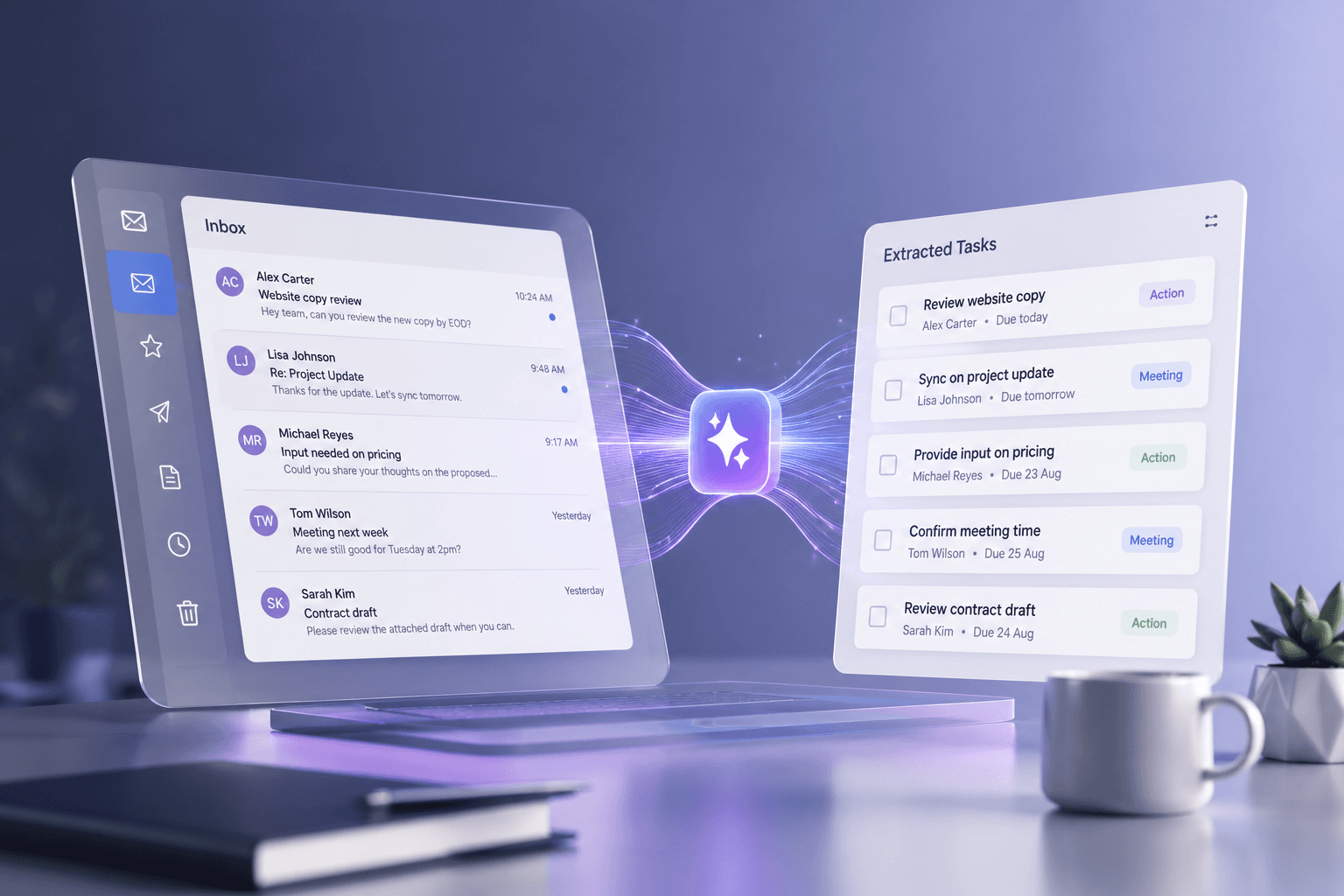
How it works
Turning email into tracked work
Why marking a message unread is not a task list, what separates a real commitment from a mention, and how to judge a tool that claims to extract them.
Read4 min
Trust and privacy
Is AI safe for business email?
The questions worth asking before connecting a mailbox to an AI tool, and how to check the answers yourself rather than taking a vendor at its word.
Read5 min
Inbox management
The real cost of inbox overload
What email actually takes from a working day, according to research that can be checked, and why the usual statistics quoted about it cannot be.
Read5 min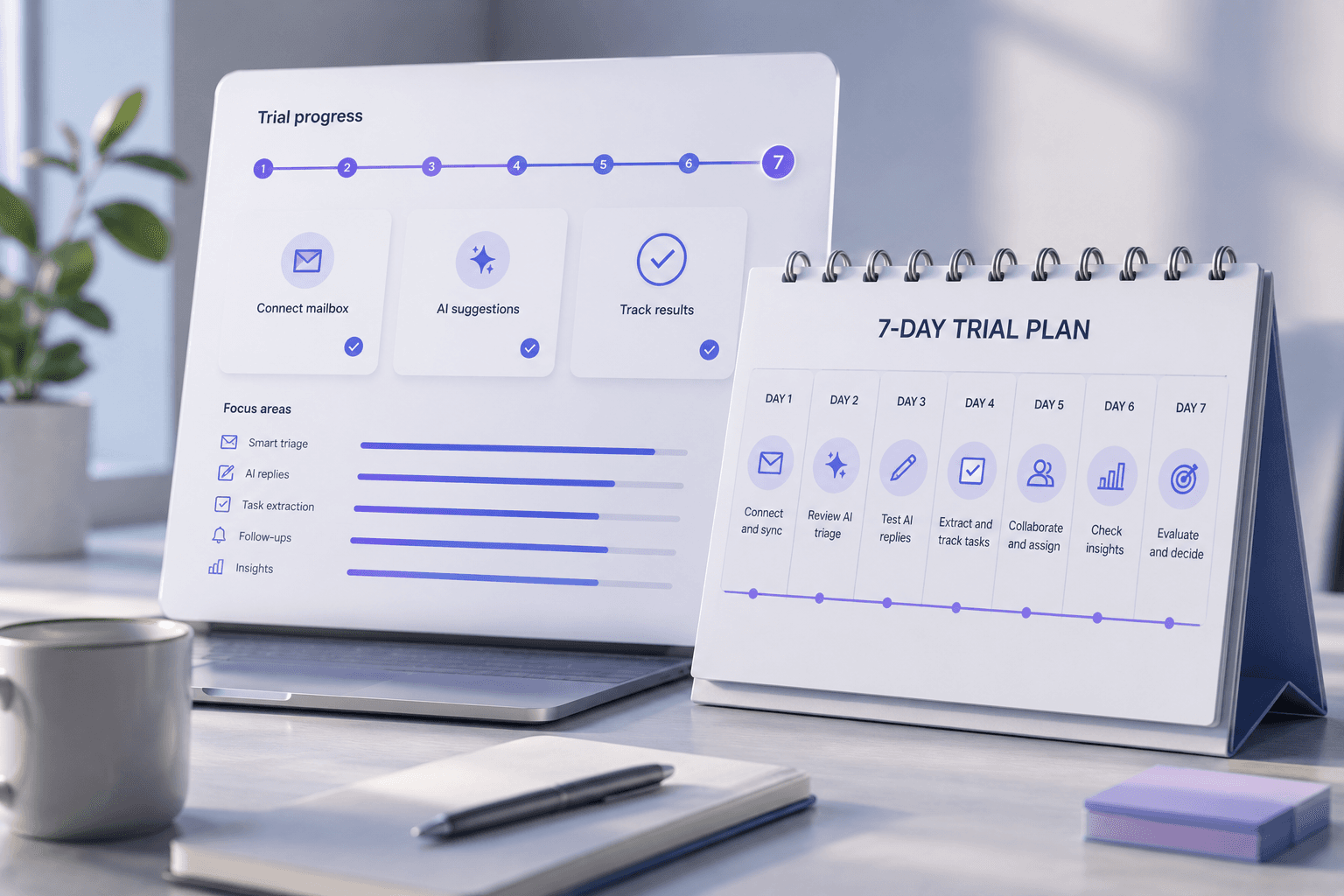
Getting started
What to actually test in seven days
A trial is short enough that testing the wrong things wastes it. Here is what to check on an AI email tool, in what order, and what to ignore.
Read5 min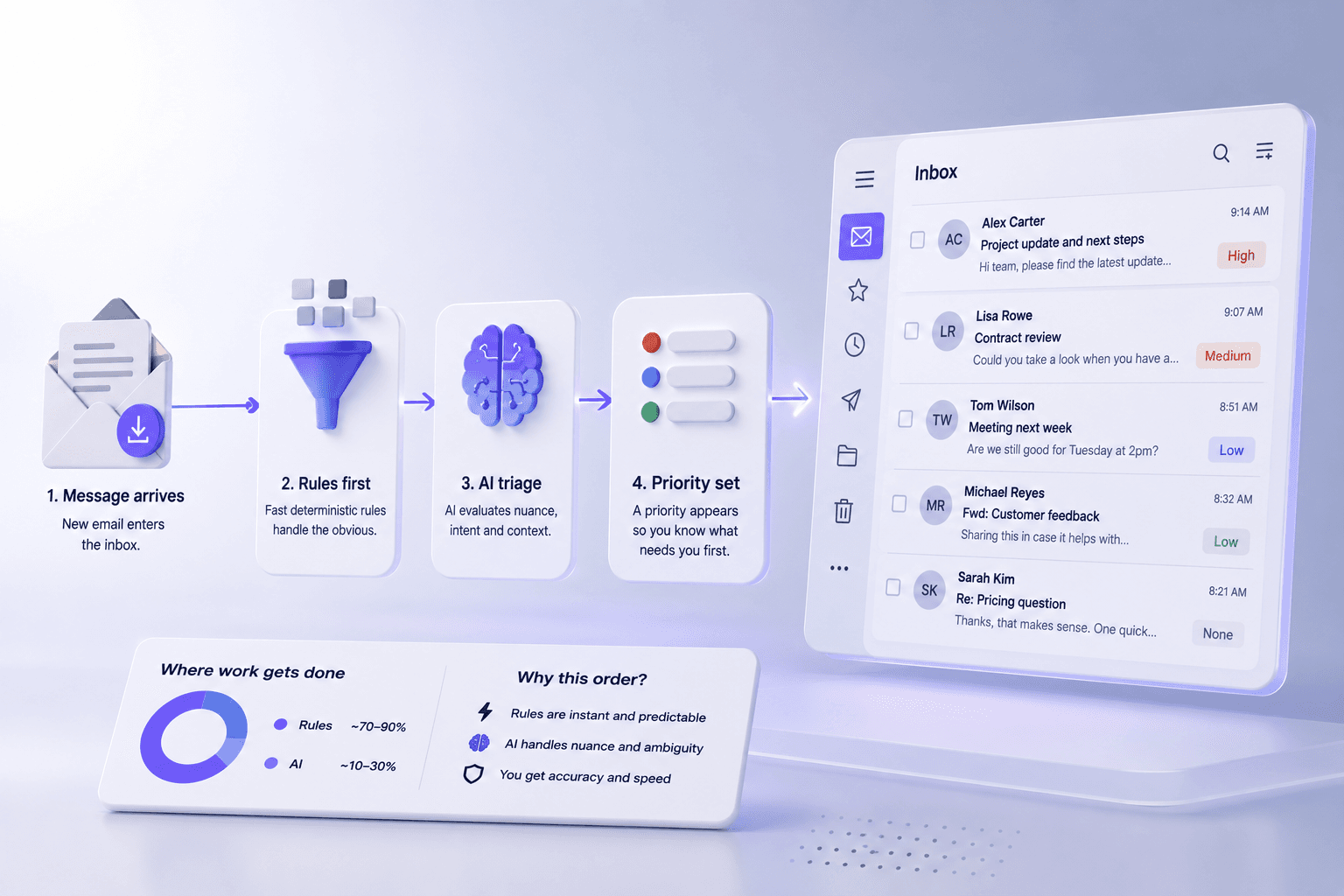
How it works
How AI email triage actually works
What happens between a message arriving and a priority appearing next to it, why rules still do most of the work, and what AI triage reliably gets wrong.
Read5 min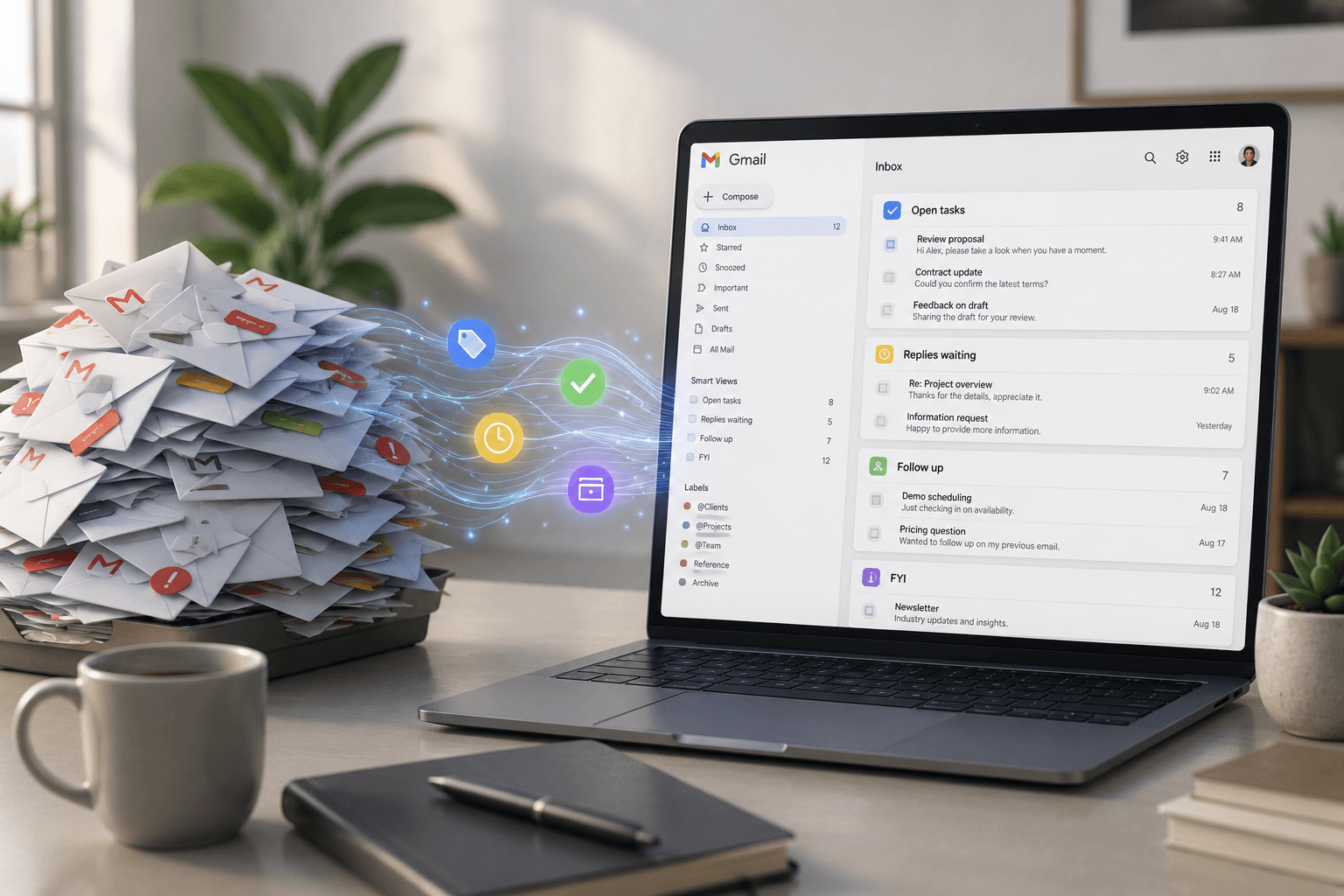
Inbox management
How to manage an overloaded Gmail inbox
Why folders and filters stop working past a certain volume, and what to do instead when the inbox is the job rather than a distraction from it.
Read5 min

Stop managing email. Start managing your business.
Connect Gmail and see your first prioritized day in about four minutes.
7-day free trial. No credit card. Connect Gmail in about 4 minutes.