How to manage an overloaded Gmail inbox
Why folders and filters stop working past a certain volume, and what to do instead when the inbox is the job rather than a distraction from it.
5 min read
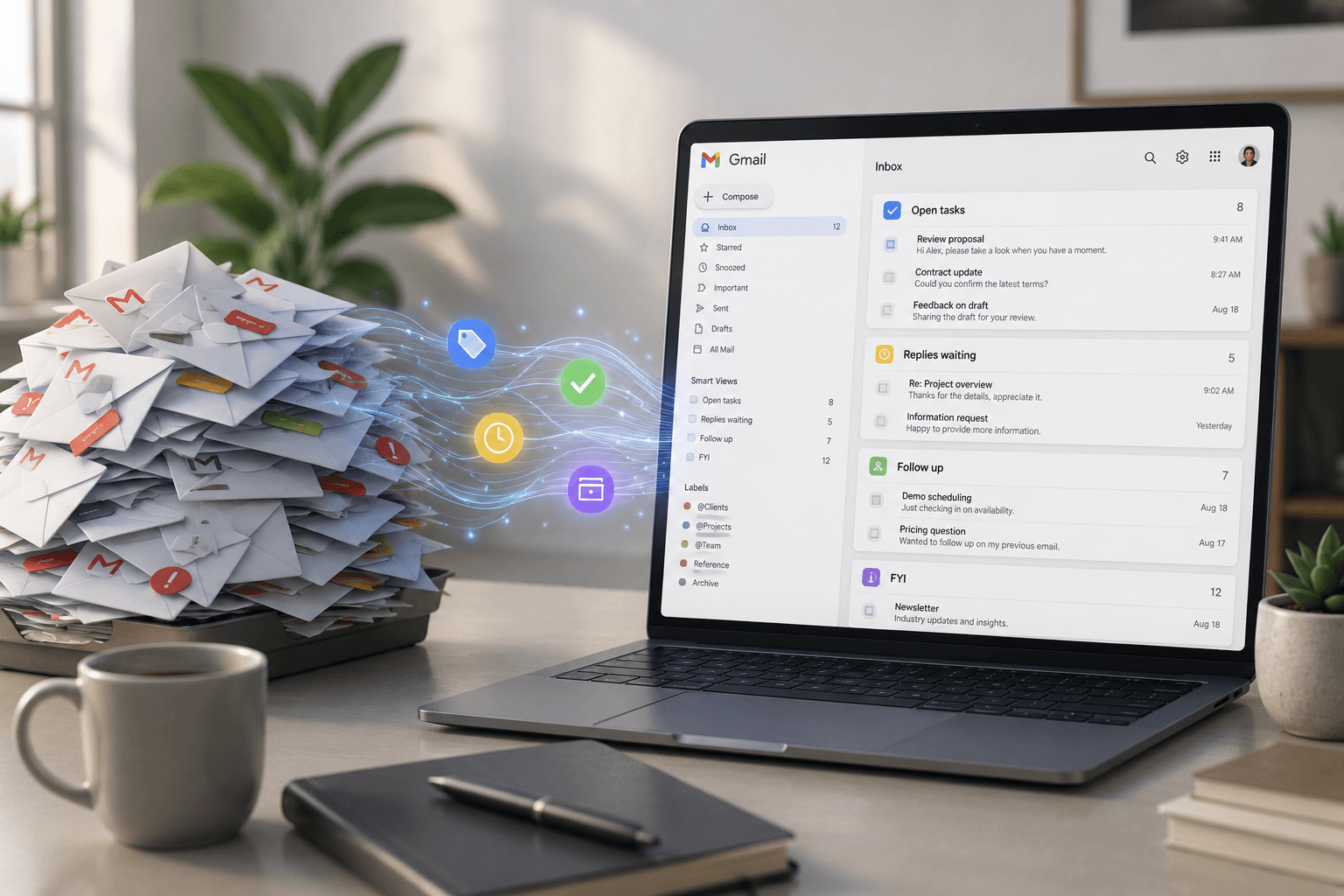
Most advice about email assumes the problem is discipline. Get to zero, touch each message once, unsubscribe more. That advice works at fifty messages a day. It stops working somewhere past a hundred, and it stops working for a specific reason: the effort of sorting has become larger than the effort of reading.
This is a guide for the second case, where email is not a distraction from the work but is where the work arrives.
Why filters stop scaling
A Gmail filter matches something structural. A sender, a word in the subject, a header. That works beautifully for the mail that is already predictable, which is exactly the mail that did not need your attention anyway.
The messages that cost you money are the ones no filter can describe. A client asking for something in the third paragraph of a friendly update. A quote request from a personal address. A supplier saying the delivery slipped, in a thread whose subject line still says "Re: intro call".
You cannot write a rule for "this one matters" because mattering is not a property of the sender or the subject. It is a property of the meaning.
Sort by what a message needs, not what it is about
Topic folders feel organised and behave badly. A message about a project could need a reply today, need nothing, or need you to remember something in three weeks. Filing it under the project name records none of that.
A more useful cut is by what the message asks of you:
- Someone is waiting on you. A reply is owed and the delay is visible to them.
- There is money in this. A lead, a renewal, an upsell.
- This costs you time later. A meeting to attend or prepare for.
- This is money going out. An invoice, a bill, a payment failure.
- This needs nothing. Newsletters, receipts, notifications.
Five buckets, and the last one is usually the majority. Sorting by need means the pile that requires you shrinks to something a person can actually read.
Separate "unread" from "unresolved"
Unread is a terrible signal, because it conflates two states. Some unread mail is genuinely untouched. Some is read on a phone, understood, mentally filed, and never marked.
More importantly, plenty of read mail is unresolved. You read the request, thought "I will do that this afternoon," and the message went grey. Nothing in the inbox now distinguishes it from the four hundred other grey messages above it.
The state worth tracking is not read or unread. It is: does this still need something from me? That question survives you having opened the message, which is why it is the one worth building a system around.
Track what you promised, separately from the mail
The most expensive thing in a busy inbox is not an unread message. It is a promise made in a thread that nobody reopened.
"I will send the revised scope by Thursday" is a commitment with a date. It is also message fourteen of a conversation that scrolled away on Tuesday. When Thursday arrives, nothing anywhere reminds you, because the promise only ever existed as a sentence inside an email.
Whatever system you use, promises need to leave the inbox and live somewhere with a date attached. Otherwise your reliability depends on your memory, which is not a system.
What to actually do
If you are drowning and want a sequence rather than a philosophy:
- Get the noise out first. Newsletters, receipts, platform notifications. This is usually more than half the volume and none of it needs a decision.
- Split the rest by need, not by topic, using something like the five buckets above.
- Pull the promises out. Anything you said you would do, with the date you said, somewhere that is not a mail thread.
- Make waiting visible. The threads where you replied and heard nothing back are the ones that quietly die, and an inbox shows you the opposite of what you need here: it shows recent mail, not stalled mail.
- Only then optimise reading. Faster keyboard shortcuts on an unsorted pile is optimising the wrong step.
Steps one through four are structural. Step five is the one most email advice starts with, which is why most email advice stops working when volume rises.
Where AI genuinely helps, and where it does not
The useful thing an AI can do here is the part no filter can: read the message and decide what it means. That is the categorisation and priority step, and it is genuinely hard to do by hand at volume.
The less useful thing is writing your email for you without you. Drafting is fine. Drafting and sending is a different product with a different risk, and it is worth knowing which one you are buying.
CevroFlow reads each message once and turns that read into the five categories, a priority, the promises, and a drafted reply that waits for your approval. Nothing sends without a person clicking Send. If the structural steps above are the problem, that is the part worth automating.